Community Reply Attachments & Editing
Answering a member's question can now take them straight to the answer. You can attach content to your Community replies and edit replies after posting. We also added exercises, collections, and series as new attachment types for both posts and replies.
- Attachments in Replies that take members straight to the right content
- New Attachment Types: exercises, collections, and series for posts and replies
- Edit Replies after posting to fix a typo or add more detail
Attachments in Replies
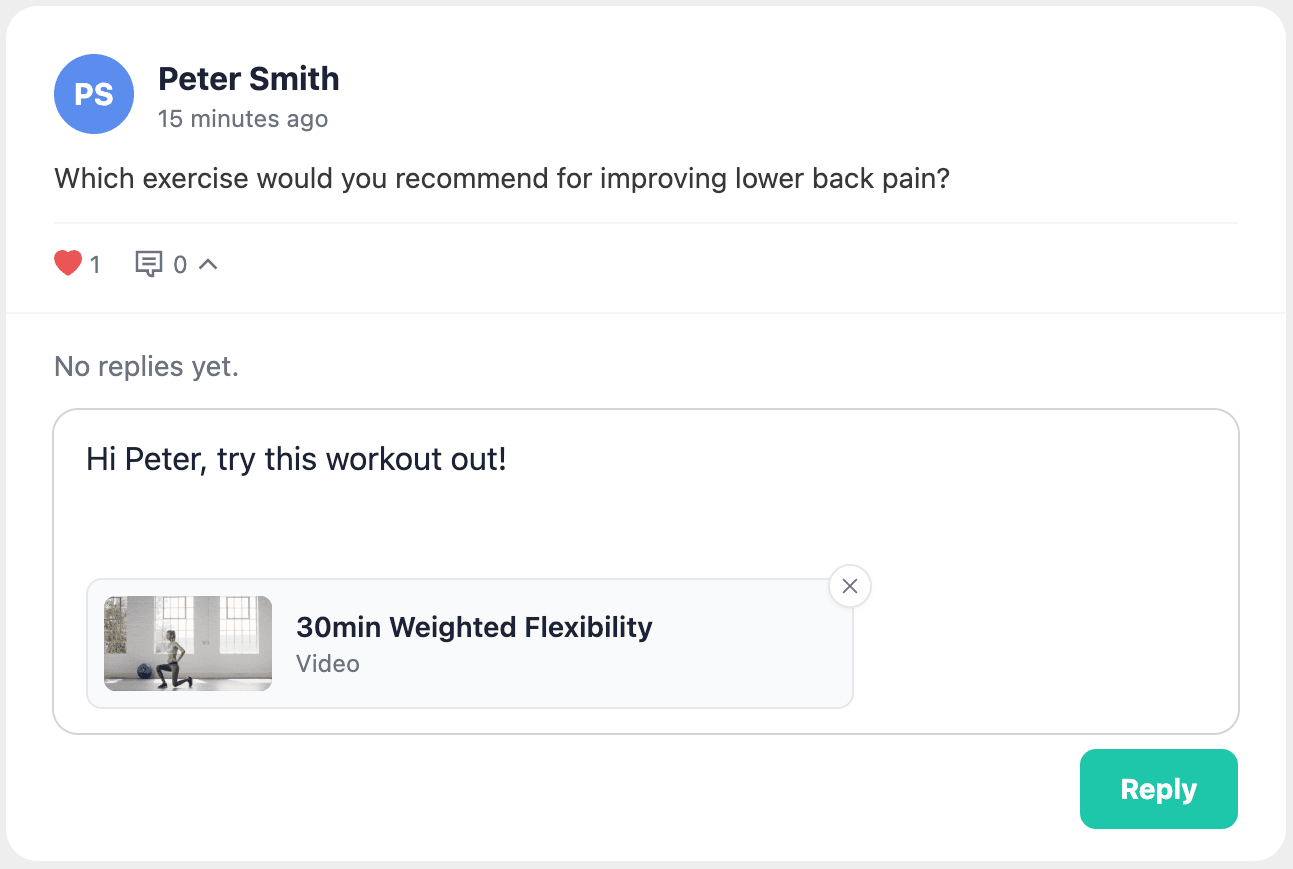
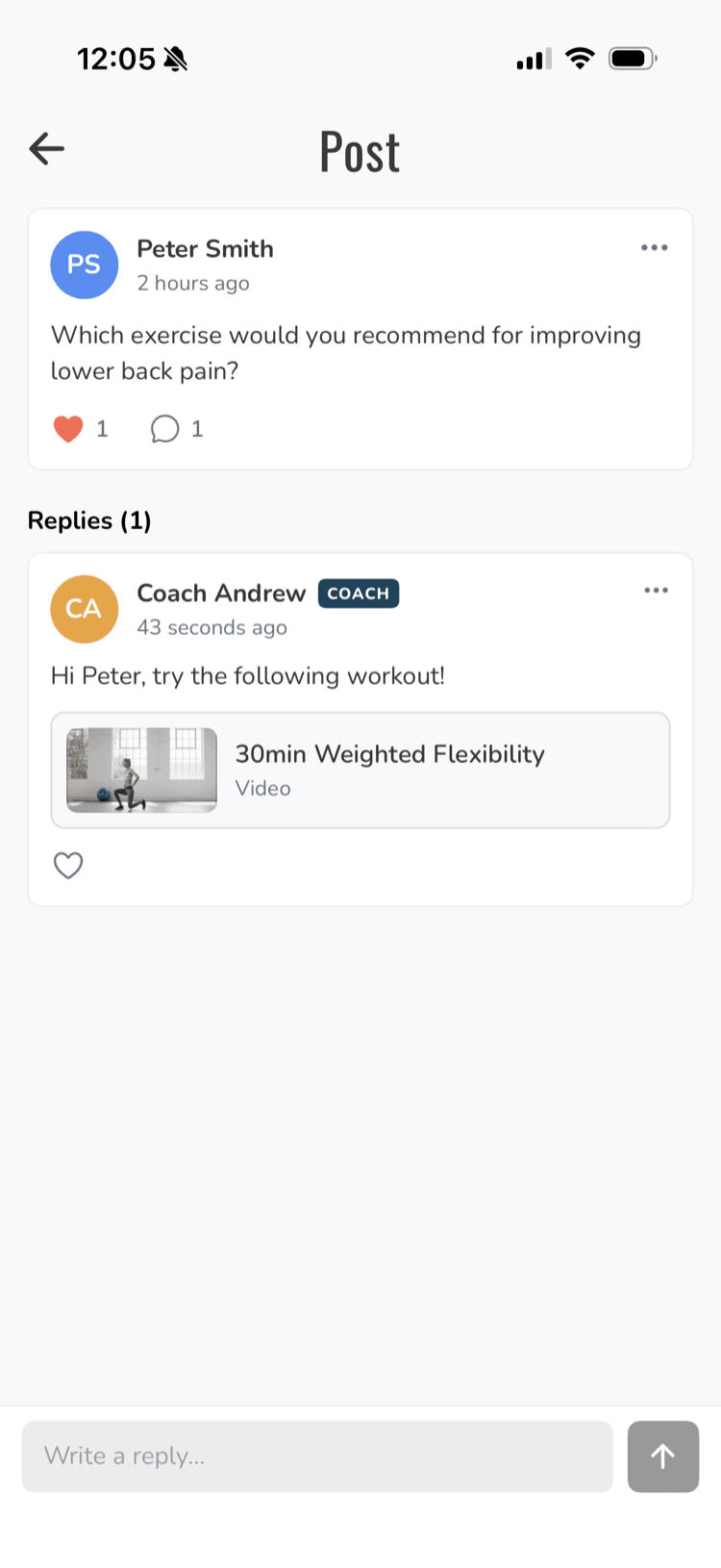
Just like posts, you can now attach any content (programs, workouts, videos, etc.) to a reply. Members tap the card and go straight to that content in your app.
Edit Replies
Made a typo or want to add something? You can now edit your replies after posting.
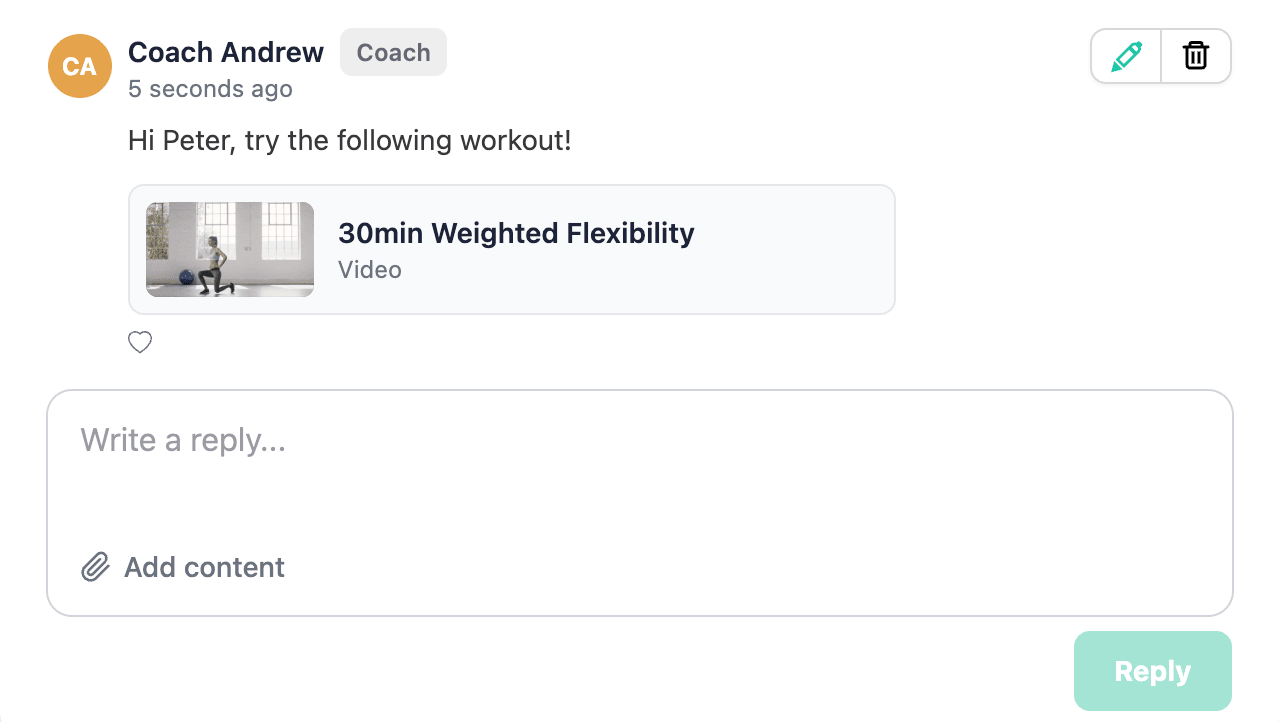
Adding attachments to replies and editing replies are only available in the dashboard for now.
Summary
Every answer you give in Community can now take a member directly to the right content. And if you need to fix or add something, you can edit the reply after posting.